Vulnerability Management: Beyond Scanning - Prioritizing Security Risks
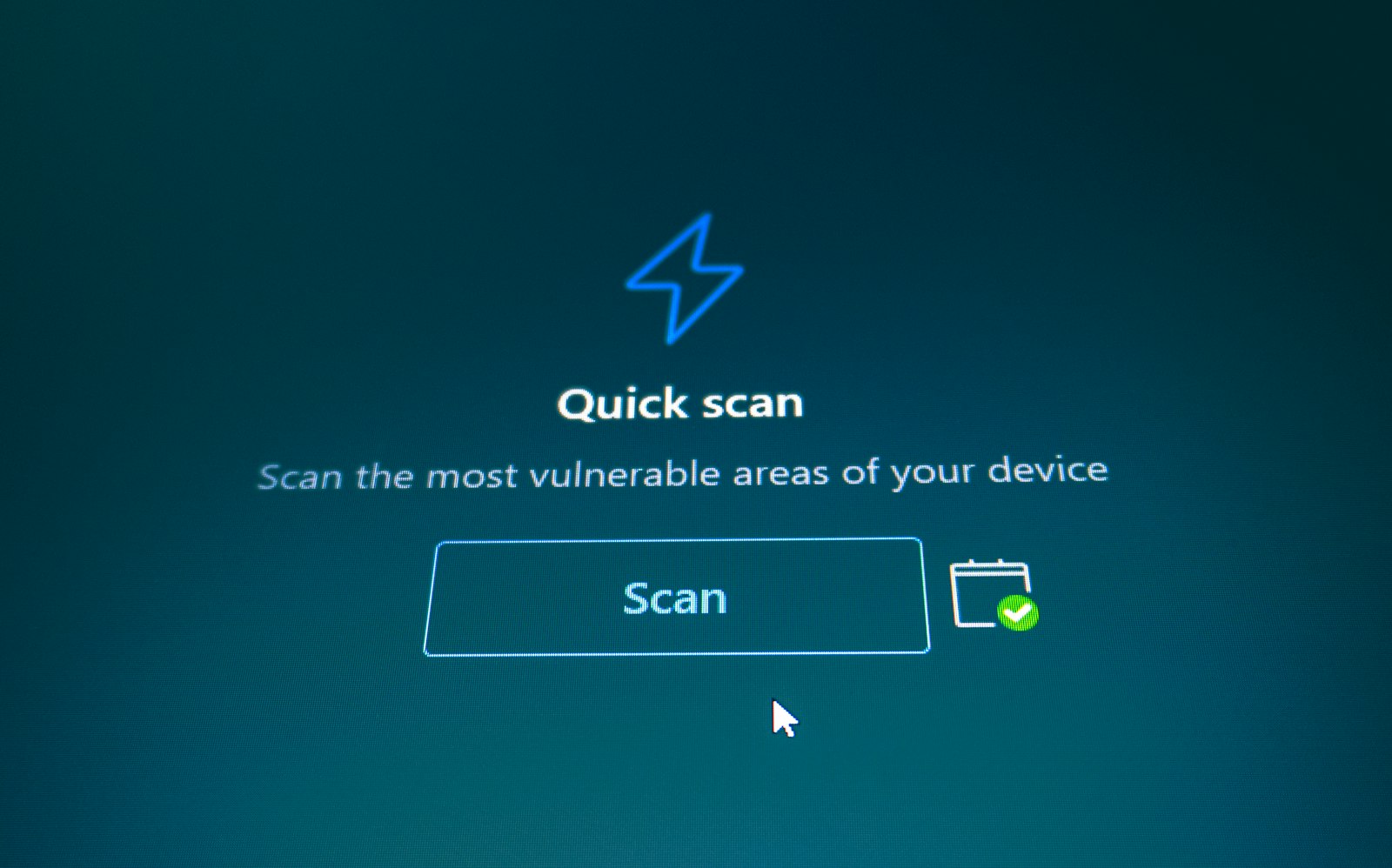
Running a vulnerability scan is an important step in identifying security weaknesses, but it does not automatically make an organisation more secure.
A scan may identify outdated software, missing security updates, exposed services or systems with known vulnerabilities. The results can provide valuable insight into an organisation’s security posture, but they also create another challenge: deciding what needs attention first.
In an environment with hundreds or thousands of devices, addressing every finding at once may not be realistic. Security and IT teams need a structured way to assess risk, prioritise remediation and confirm that identified weaknesses have actually been resolved.
This is where vulnerability management becomes important.
It is not simply about finding vulnerabilities. It is about understanding which weaknesses pose the greatest risk to the organisation and ensuring that appropriate action is taken.
What Is Vulnerability Management?
Vulnerability management is the ongoing process of identifying, assessing, prioritising, addressing and monitoring security weaknesses across an organisation’s technology environment.
These weaknesses may exist in operating systems, applications, servers, endpoints, network devices, cloud services and other technology assets.
A typical vulnerability management process includes:
Identify assets: Understand which devices, systems and applications the organisation uses.
Discover vulnerabilities: Use scanning, security tools, vendor advisories and other sources to identify weaknesses.
Assess risk: Determine how serious each finding is in the context of the organisation.
Prioritise remediation: Decide which vulnerabilities require urgent attention.
Remediate or mitigate: Apply patches, update software, change configurations or introduce other controls.
Verify the outcome: Confirm that the vulnerability has been addressed or that the agreed mitigation is effective.
Monitor continuously: Repeat the process as new vulnerabilities emerge and the environment changes.
The process should be continuous because new vulnerabilities are disclosed, new devices are introduced and existing systems can become exposed in different ways.
Vulnerability Scanning vs Vulnerability Management
The two terms are related, but they are not the same.
Vulnerability scanning is the activity of checking systems for known weaknesses. Depending on the tool and scan configuration, it may identify missing patches, outdated software, insecure configurations and other potential issues.
Vulnerability management uses those findings as part of a wider process that includes risk assessment, remediation, accountability and verification.
For example, a vulnerability scanner might identify a server running an outdated application. That finding is useful, but it does not tell the entire story.
The security team still needs to establish whether the server is exposed to the internet, whether the vulnerability is being actively exploited, what information the server handles and whether a fix is available.
The team must then coordinate remediation and verify that the weakness has been addressed.
A scan produces findings. Vulnerability management turns those findings into action.
Why Not All Vulnerabilities Have the Same Risk
Vulnerability scanners often assign severity ratings, commonly using the Common Vulnerability Scoring System (CVSS). These ratings help organisations understand the technical severity of vulnerabilities.
However, a severity score should not be the only factor used to determine remediation priority.
The actual risk depends on how the vulnerability affects the organisation’s environment.
Consider the following factors.
1. Severity and exploitability
How serious could the vulnerability be if exploited? Could an attacker execute code, gain elevated privileges, access sensitive information or disrupt an important service?
The likelihood of exploitation also matters. Evidence that a vulnerability is being actively exploited should increase its urgency.
2. Exposure
Is the affected system accessible from the internet, reachable only through the internal network or isolated in a controlled test environment?
An exposed system may present a more immediate opportunity for attackers, particularly when the vulnerability is remotely exploitable.
However, internal systems should not automatically be considered safe. Attackers who gain an initial foothold may use internal vulnerabilities to move through an environment.
3. Business impact
What would happen if the system were compromised?
A vulnerability affecting a server that supports critical business operations may carry greater organisational consequences than the same finding on a non-critical test system.
Systems that process financial information, store sensitive customer data or support essential services may require additional attention.
4. Existing security controls
Other controls may reduce the likelihood or impact of exploitation. These could include network segmentation, endpoint protection, restricted access and application controls.
These controls should be evaluated carefully. They may reduce risk, but they do not necessarily eliminate the underlying vulnerability.
5. Availability of a fix
Is a security patch available? Can it be deployed safely? Is there a vendor-supported workaround if a patch cannot be applied immediately?
The answers influence the remediation plan, but the absence of an immediate fix should not cause the vulnerability to be ignored.
The key principle is that severity provides an important starting point, while business context helps determine what should happen next.
How to Prioritise Vulnerabilities in Practice
A useful prioritisation process considers technical severity, exploitation evidence, exposure and business impact together.
Step 1: Establish what is affected
Before deciding how urgently to act, identify the affected assets.
Record relevant information such as:
Device or system name.
Operating system and software version.
Asset owner or responsible team.
Business function.
Network exposure.
Vulnerability identifier, where available.
Current remediation status.
Accurate asset information matters. If the organisation does not know who owns a system, remediation can stall while teams try to establish responsibility.
Step 2: Review the severity and exploitation evidence
Review the scanner’s findings and the available information about the vulnerability.
Determine whether it is remotely exploitable, whether authentication is required, what an attacker could achieve and whether there is credible evidence of active exploitation.
Sources such as vendor security advisories and the US Cybersecurity and Infrastructure Security Agency’s Known Exploited Vulnerabilities (KEV) catalogue can help identify vulnerabilities known to be exploited in the wild.
A vulnerability with evidence of active exploitation may require urgent action even when other findings have similar technical severity scores.
Step 3: Consider the business context
Determine what the affected asset does and what the consequences of compromise could be.
For example, a vulnerable internet-facing server that processes sensitive customer information may warrant immediate attention. A similarly rated finding on an isolated laboratory device may be handled differently, depending on the full circumstances.
The lower-priority system still needs a remediation decision. It should not be ignored simply because another system presents a greater risk.
Step 4: Set remediation priorities and deadlines
Define clear remediation expectations based on risk.
An organisation might prioritise actively exploited vulnerabilities affecting exposed, critical systems for emergency remediation. Other high-risk findings may receive shorter remediation deadlines than medium- or low-risk issues.
The exact timeframes should reflect the organisation’s risk appetite, regulatory obligations, operational requirements and approved security policy.
Avoid using the same deadline for every vulnerability. Doing so can make it difficult to distinguish urgent exposure from routine maintenance.
Step 5: Assign ownership
Every remediation action should have a responsible owner.
Security teams may identify the weakness and recommend the required action, while IT operations, application owners or infrastructure teams carry out the change.
The vulnerability management process should make it clear who is responsible, when the action is due and how progress will be tracked.
If remediation is delayed, the issue should be escalated through the agreed process rather than remaining indefinitely in an open ticket queue.
A Realistic Example: Two Vulnerabilities, Two Different Priorities
Imagine an organisation discovers two vulnerabilities during a routine assessment.
Finding A: A critical vulnerability affects an internet-facing server that supports a business application. Reliable information indicates that the vulnerability is being actively exploited, and a vendor patch is available.
Finding B: A medium-severity vulnerability affects a test device in an isolated environment. The device contains no sensitive business data, and network access is restricted.
Both findings require assessment, but they do not necessarily deserve the same response.
The security team should urgently assess Finding A, confirm exposure, coordinate an appropriate patch or mitigation, and escalate the risk to the relevant stakeholders. If emergency remediation is necessary, the change should follow the organisation’s emergency change process.
Finding B should be documented and scheduled according to the organisation’s remediation policy. The team should still assess whether the device’s isolation is effective and whether its risk could change if the environment changes.
Now suppose the test device is connected to a production network or is found to contain credentials that provide access to sensitive systems. Its priority may need to increase.
This example illustrates why vulnerability prioritisation cannot rely on severity labels alone. Exposure, exploitation evidence and business consequences can change the appropriate response.
What Happens When a Vulnerability Cannot Be Patched Immediately?
Not every vulnerability can be fixed as soon as it is identified.
A patch might cause application compatibility issues, require a maintenance window or depend on a vendor release. Some legacy systems may no longer receive supported updates.
These challenges should be managed, not used as a reason to leave vulnerabilities unaddressed without a plan.
Apply compensating controls
Where appropriate, reduce exposure while remediation is being arranged. Depending on the system and vulnerability, this may include restricting network access, disabling an affected feature, isolating the asset or applying a vendor-recommended workaround.
A compensating control should address the relevant attack path. It should not be assumed effective simply because a security setting has been changed.
Document the risk
Record why the vulnerability cannot be remediated immediately, what controls are in place, who owns the risk and when the situation will be reviewed.
Risk acceptance should follow the organisation’s approval process and be granted by an authorised risk owner.
Set a review date
A temporary exception should not become a permanent solution by default.
Set a clear review date, track the outstanding action and reassess the vulnerability when a patch becomes available or the operating environment changes.
The goal is to maintain visibility and accountability until the underlying weakness is resolved or the residual risk is formally managed.
How to Verify That Remediation Has Worked
One of the most important steps in vulnerability management is confirming that the remediation was successful.
A ticket marked as complete does not necessarily mean the vulnerability has been resolved.
For example, a patch may fail to install, the wrong software version may have been updated, or another affected system may have been missed.
After remediation, the team should:
Confirm that the intended patch, configuration change or mitigation was applied.
Verify the installed software version or relevant configuration where appropriate.
Run a follow-up vulnerability scan or use another suitable verification method.
Review any remaining findings and investigate discrepancies.
Update the remediation record with evidence and the final status.
If the vulnerability remains present, the issue should be reopened or escalated as appropriate.
Where a scanner continues to report a finding after a fix, investigate whether the patch was applied correctly, whether the scan results are current and whether the detection requires further validation. Do not dismiss the finding as a false positive without supporting evidence.
Verification closes the loop between identifying a vulnerability and reducing the risk it represents.
Metrics That Help Measure Vulnerability Management
Organisations need meaningful measurements to understand whether their vulnerability management process is improving.
Useful metrics include:
Time to remediate: How long does it take to resolve vulnerabilities, measured by severity or risk category?
Overdue high-risk vulnerabilities: How many critical or high-priority findings remain unresolved beyond their approved deadlines?
Age of outstanding vulnerabilities: How long have known weaknesses remained open?
Remediation effectiveness: How often do vulnerabilities reappear after being marked as resolved?
Asset coverage: What proportion of relevant systems are included in vulnerability assessments and tracked by the process?
Exception and risk-acceptance reviews: Are accepted risks reviewed on time, and are temporary mitigations still effective?
Metrics should be interpreted together. A reduction in the number of open vulnerabilities may look positive, but it is less meaningful if scanning coverage has decreased or findings are being closed without verification.
The objective is not to produce impressive dashboard numbers. It is to understand whether exposure is being reduced and whether the organisation is addressing its most significant weaknesses.
Common Vulnerability Management Mistakes
Several mistakes can undermine an otherwise useful process.
Treating every critical rating identically: Technical severity matters, but context and exploitation evidence also influence priority.
Focusing only on the latest scan: Vulnerability management must account for remediation progress, recurring findings and changes between scans.
Ignoring asset ownership: Unassigned findings are more likely to remain unresolved.
Applying broad risk exceptions: Accepting risk without clear scope, approval and review dates can leave important weaknesses unmanaged.
Closing tickets without verification: A completed task is not proof that a vulnerability has been removed.
Measuring activity instead of outcomes: The number of scans performed does not demonstrate that risk has been reduced.
Leaving old vulnerabilities indefinitely: Legacy systems and difficult remediation work still need an explicit plan, appropriate controls and escalation.
Avoiding these mistakes requires cooperation between security, IT operations, application owners and business stakeholders.
Conclusion: Finding Vulnerabilities Is Only the Beginning
Vulnerability scanning gives organisations visibility into weaknesses across their technology environments. However, visibility alone does not reduce risk.
Effective vulnerability management requires teams to assess findings in context, prioritise the most significant risks, coordinate remediation and verify that the intended changes have worked.
It also requires accountability. Every important finding should have a clear owner, a suitable remediation plan and an escalation path when deadlines cannot be met.
Not every vulnerability can be fixed immediately, but every meaningful vulnerability should be understood and managed appropriately.
As environments grow and new weaknesses emerge, organisations need a process that connects technical findings to business risk and measurable action.
The goal is not simply to find more vulnerabilities. It is to reduce the vulnerabilities that matter most, before attackers have an opportunity to exploit them.
About the author
- Hi, I’m Hazel — a cybersecurity professional focused on security operations, Microsoft security, cloud security, incident response and the evolving world of AI security. HazelSec is where I share practical insights from real-world security challenges, break down complex technologies and threats, and explore how we can build stronger, more resilient environments.
Comments
Join the discussionNo comments yet. Be the first to comment.